
If you want to use a plan as the basis for a new plan, or adjust something for one client, you don’t have to start again.
 (opens at full size in a new tab)
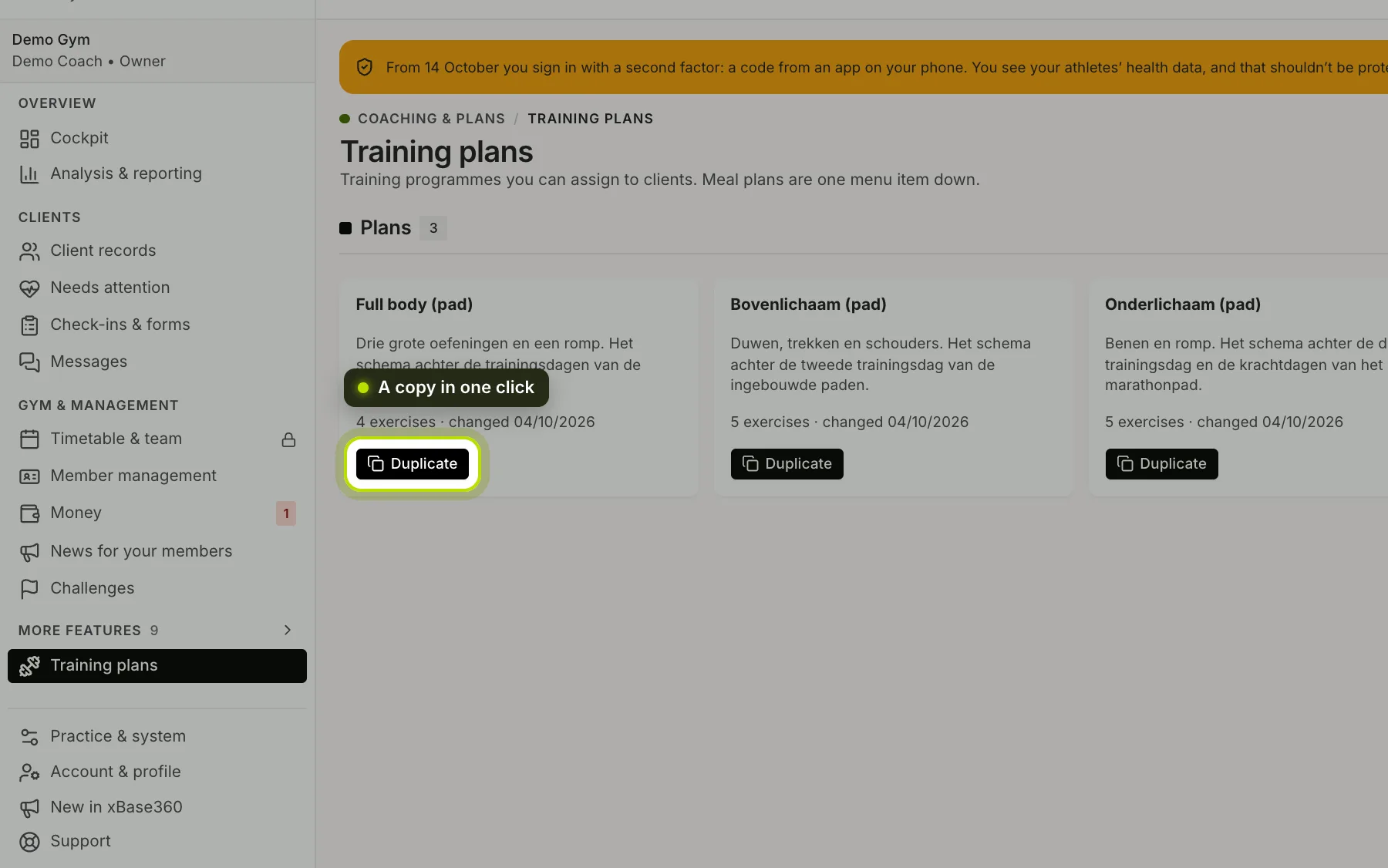
Duplicating. Under Training plans and Meal plans every plan has a Duplicate button, and it’s also at the top when you have a plan open. One click makes a copy named Copy of plus the original name, and opens it straight away. Everything comes along: blocks and exercises, or days and meals. Then change the name and whatever else you want.
Please note: the copy is made from the saved version. If you’ve just changed something without saving, save first.
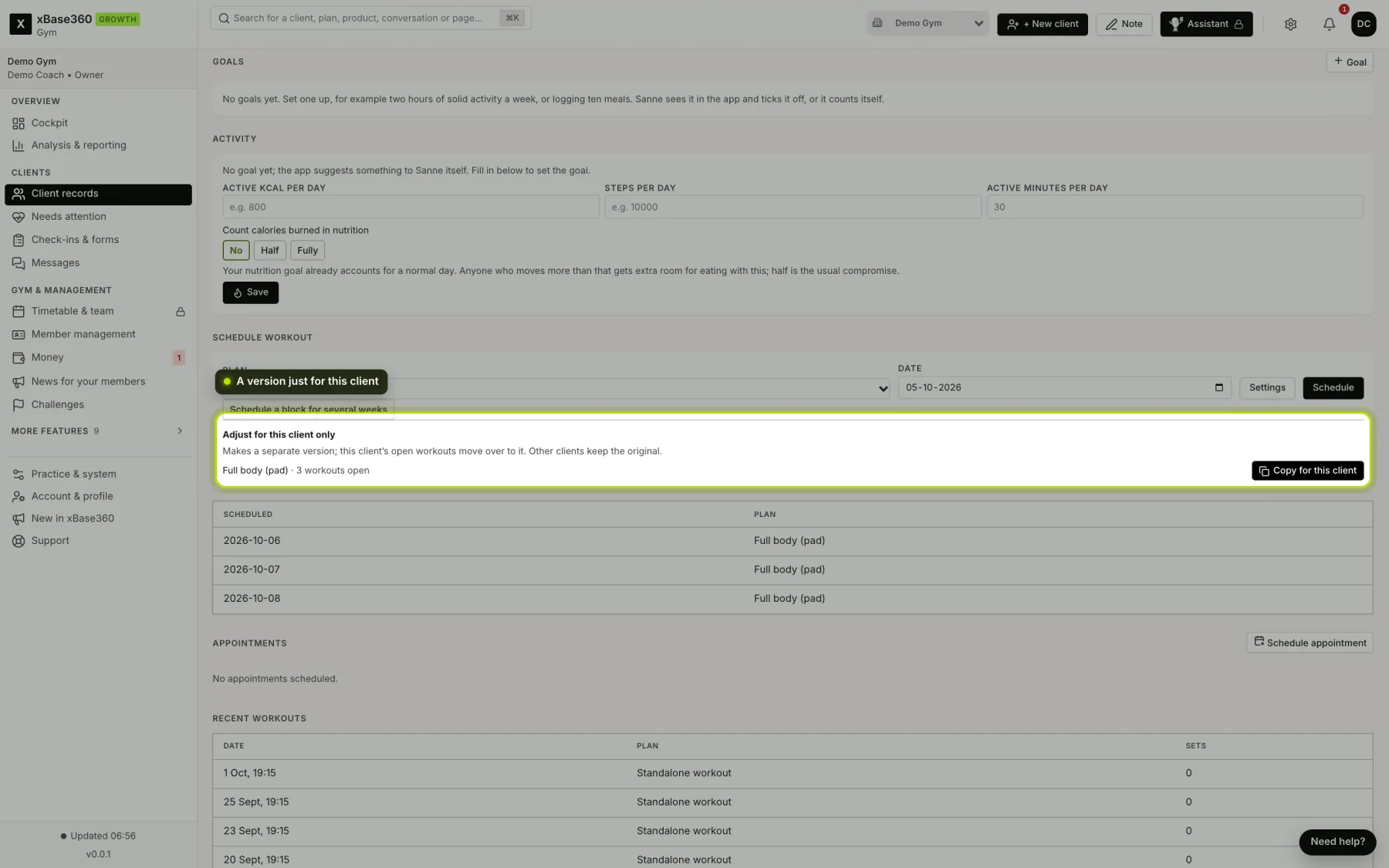
A copy for this client. Is one client following a plan you want to adjust for them, while other clients follow the same plan? Open their record under Plan → Training or Plan → Nutrition. Under Adjust for this client only you’ll find every plan they’re currently following, with the Copy for this client button.
 (opens at full size in a new tab)
What happens then.
- A copy is made with the name of the plan and your client’s first name.
- Training: their open workouts, from today onwards, move to the copy. What they’ve already done or skipped stays with the original.
- Nutrition: the copy applies from today. What they followed up to yesterday stays as it is.
- Other clients keep the original.
- The copy opens straight away, so you can adjust it.
The block only appears if your client has something that can move over: open workouts with a plan, or a meal plan that’s running or still to come.
Set up with AI? Then the copy keeps that label. See The AI label on your plans.