A report is not a note
Why a recorded consultation no longer changes, why your client is allowed to read it, and what happens to the recording.
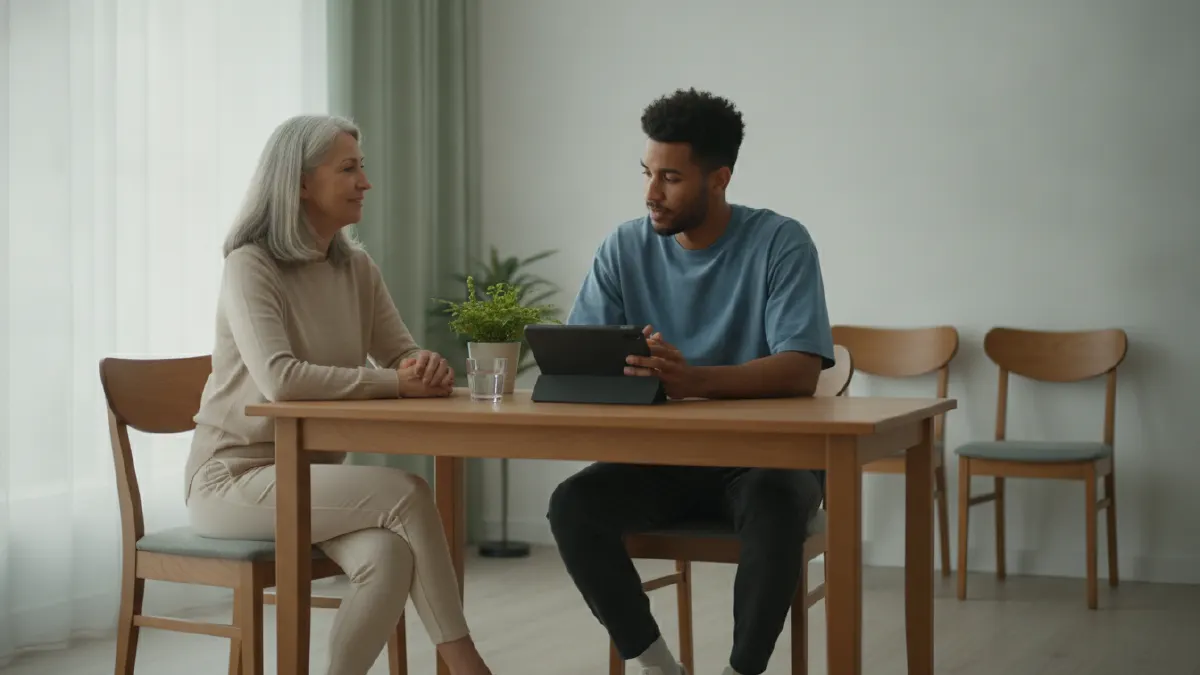
Coaches and practitioners talk to clients all day. What ends up on paper is usually a few keywords in an app that wasn’t made for it. With consultations in xBase360 you record the conversation and get a report. A few of the choices behind it deserve an explanation.
The recording disappears. After transcription, the recording is cleared away. What remains is the report you record. An audio recording of a conversation about someone’s injury or weight is sensitive material, and you don’t keep it longer than necessary.
The draft is yours. The AI writes a first version: what the client reports themselves, what you observed or measured, what that means together, and the plan. You read it through and adjust it. Nothing is recorded without your approval, because you’re the one signing for it.
Recorded is recorded. After that, the text no longer changes. If something isn’t right, you write a correction below it, and the original report stays. That feels strict, but it’s exactly what distinguishes a report from a note. A record in which something can be changed afterwards proves nothing about what was discussed.
Your client reads along. The recorded report is in their app. Not the recording, not the raw transcript; those are your working notes, with slips of the tongue and ideas you considered out loud and rejected. So write as if your client is reading along, because they are.
Who else has access. Only you, not even your colleagues. And every time you open the record, it’s logged in a log your client can view. That’s not distrust of you, but how a record should work.
And that’s why there’s a second factor. Anyone who records consultations signs in with a code alongside their password. That’s not an option you can turn off. It’s someone else’s health data, and it belongs behind more than a password.