
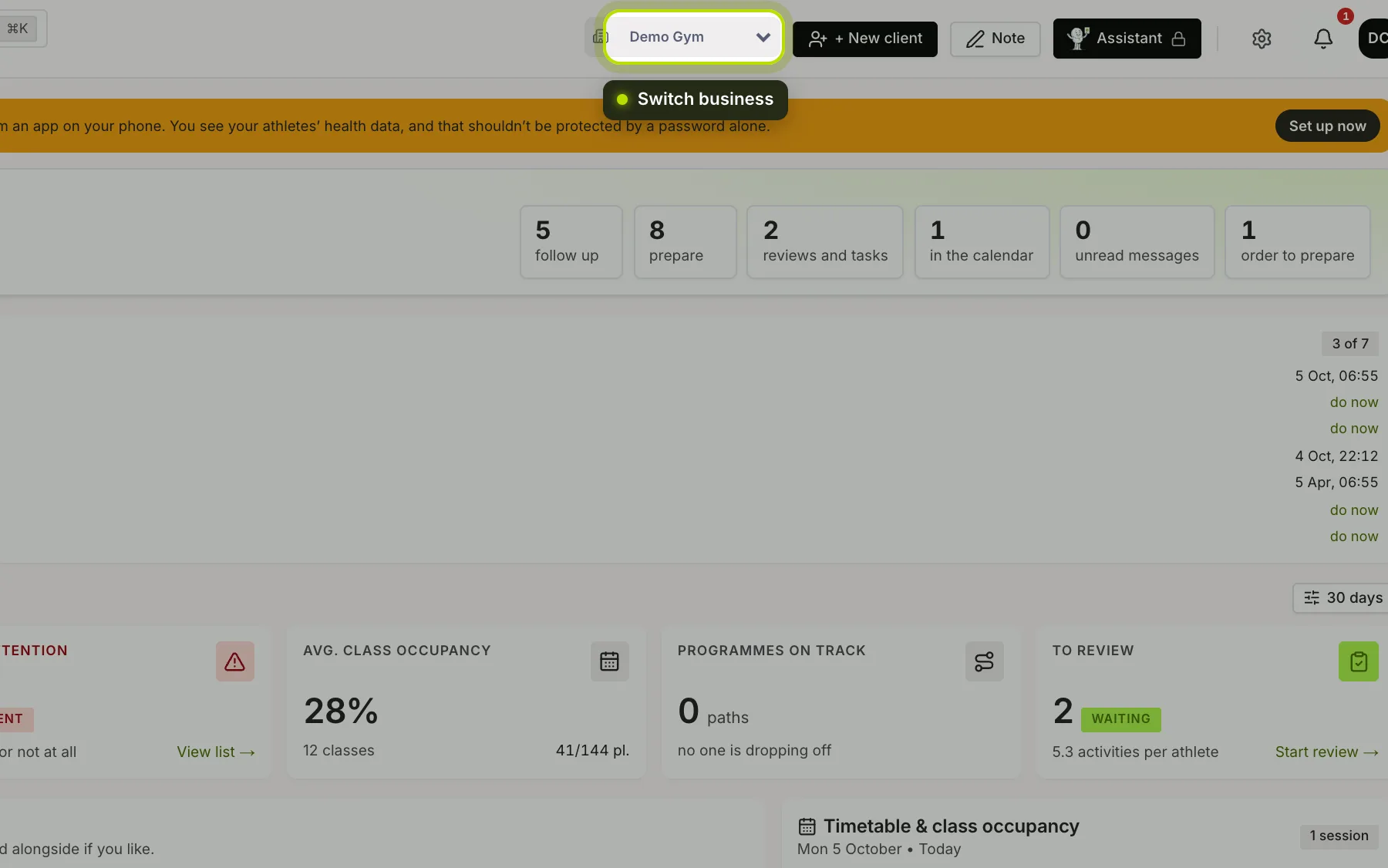
If you’re an owner or coach at more than one business, there’s a drop-down list at the top right of the dashboard, next to + New client, showing the name of the business you’re working in now.
 (opens at full size in a new tab)
Switching. Choose another business and you land on that business’s cockpit.
The whole dashboard follows. Your clients, your lists, your permissions and everything you create belong to the business you’ve chosen.
A client at two businesses. If a client belongs to both businesses, a new check-in, form or task goes to the business you’ve chosen at that moment.
Your choice is remembered in this browser. If you open the dashboard on another device, choose again there.
If you work at one business, there’s no drop-down list.