
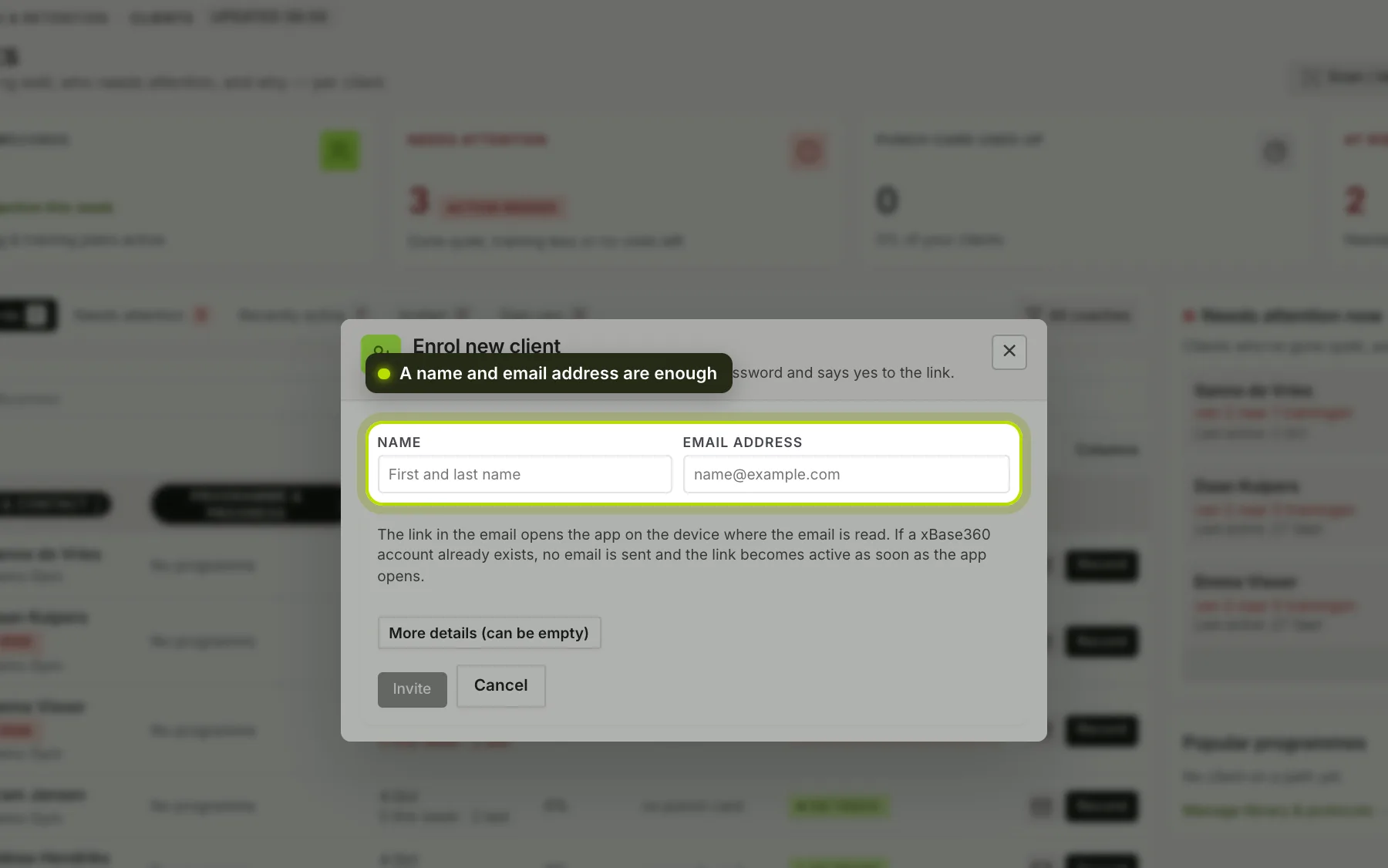
You add a new client under Client records → Add new client, or in the coach app with Add client.
 (opens at full size in a new tab)
What you fill in. A name and email address are enough. If you want to record more, such as first name and surname, your own membership number, the reason for joining or an address, you can do that straight away; all of it can be left empty.
What happens on their side. They get one email with a link. It confirms their address and lets them choose a password. After that they’re in your list and see everything you set up for them in the app, in your business’s colours.
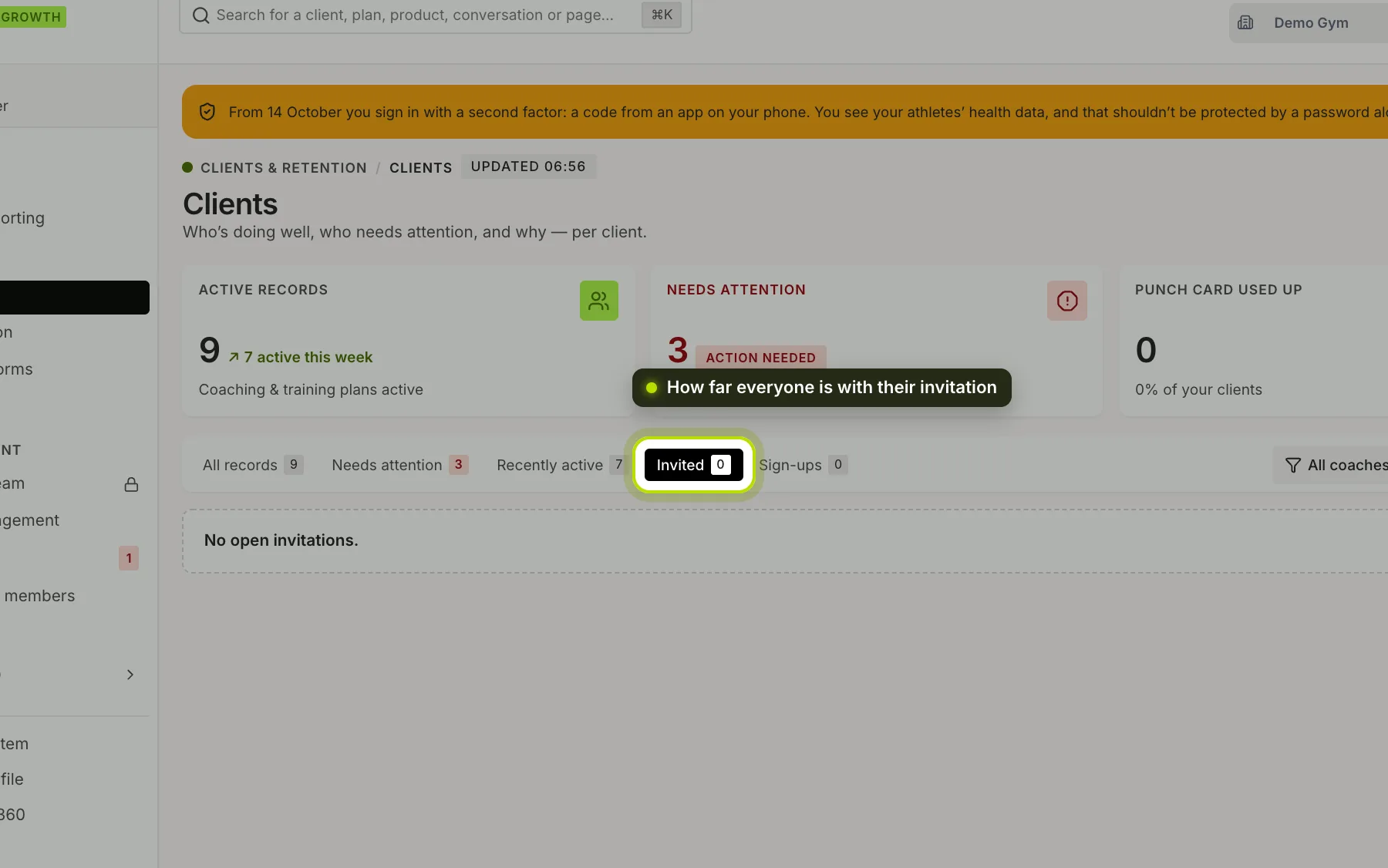
The link is valid for a day. Under Invited you see how far everyone has got:
- Link not opened yet: the email hasn’t been used. Send it again, or correct the address if there was a typo in it.
- Link opened, not yet active: they didn’t get further than the browser. Ask whether the app is installed and send the invitation again, so they open it on their phone.
- Waiting for yes in the app: these people already had an account. They aren’t linked to you automatically; they see your invitation in the app and accept it there themselves. A new email won’t help then, but a message will.
 (opens at full size in a new tab)
Did they already have an account? For example because they used the app without a coach. Then they keep their whole history. Data belongs to a person, not to a gym.
Lots of people at once? See Importing members or scanning a form.
Removing someone takes them off your list. Their account and their data remain theirs.